The backbone of every network system.
If it's on your network — copper or fiber — it needs cabling from SCTi. Clean installs, honest takeovers of someone else's mess, and rework that's ready for what you plug in next.
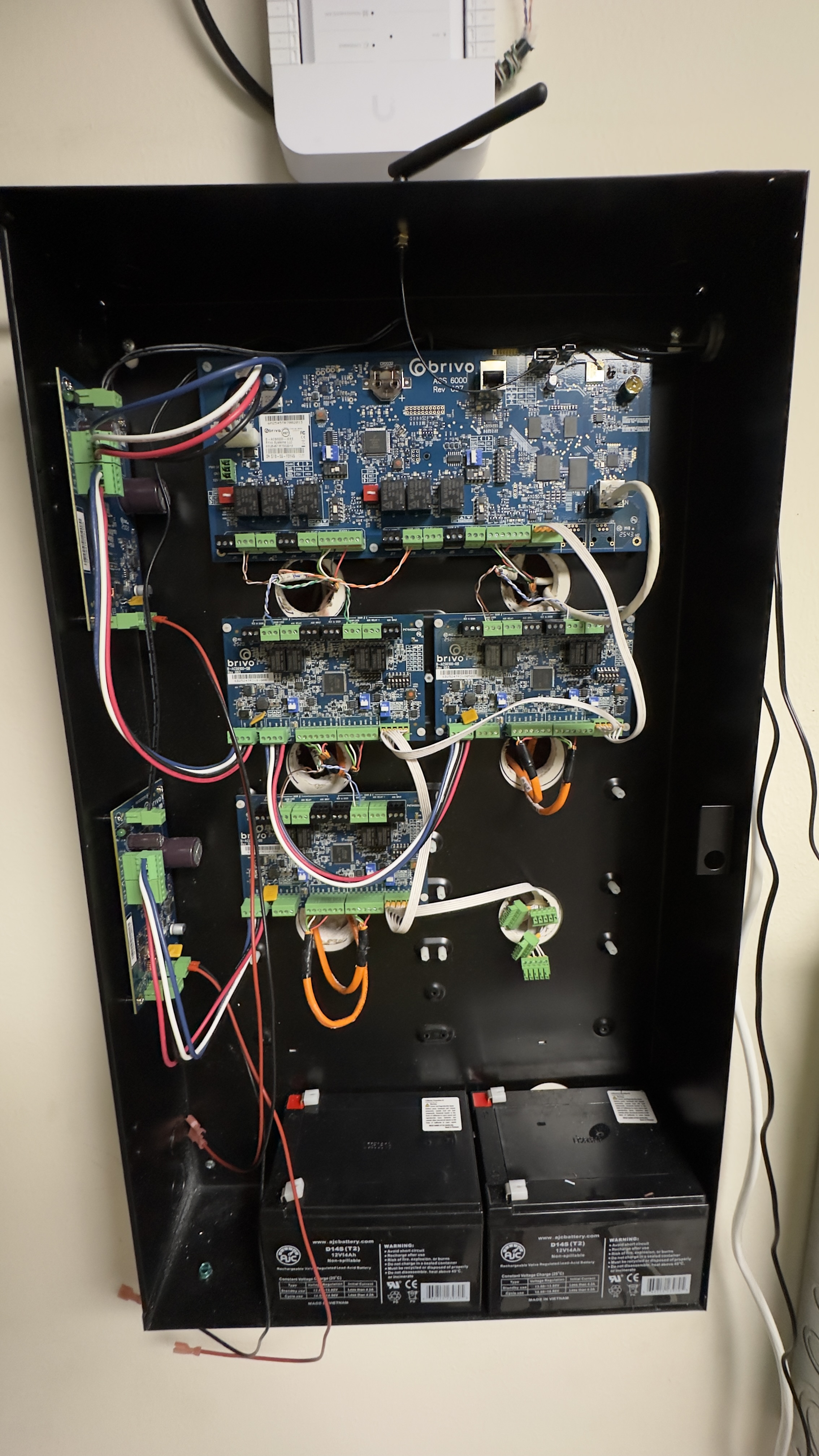
New builds
Ground-up Cat6 and fiber backbone cabling for a new office, clinic, or facility — planned around the network you actually need, not just the one that's easiest to pull.
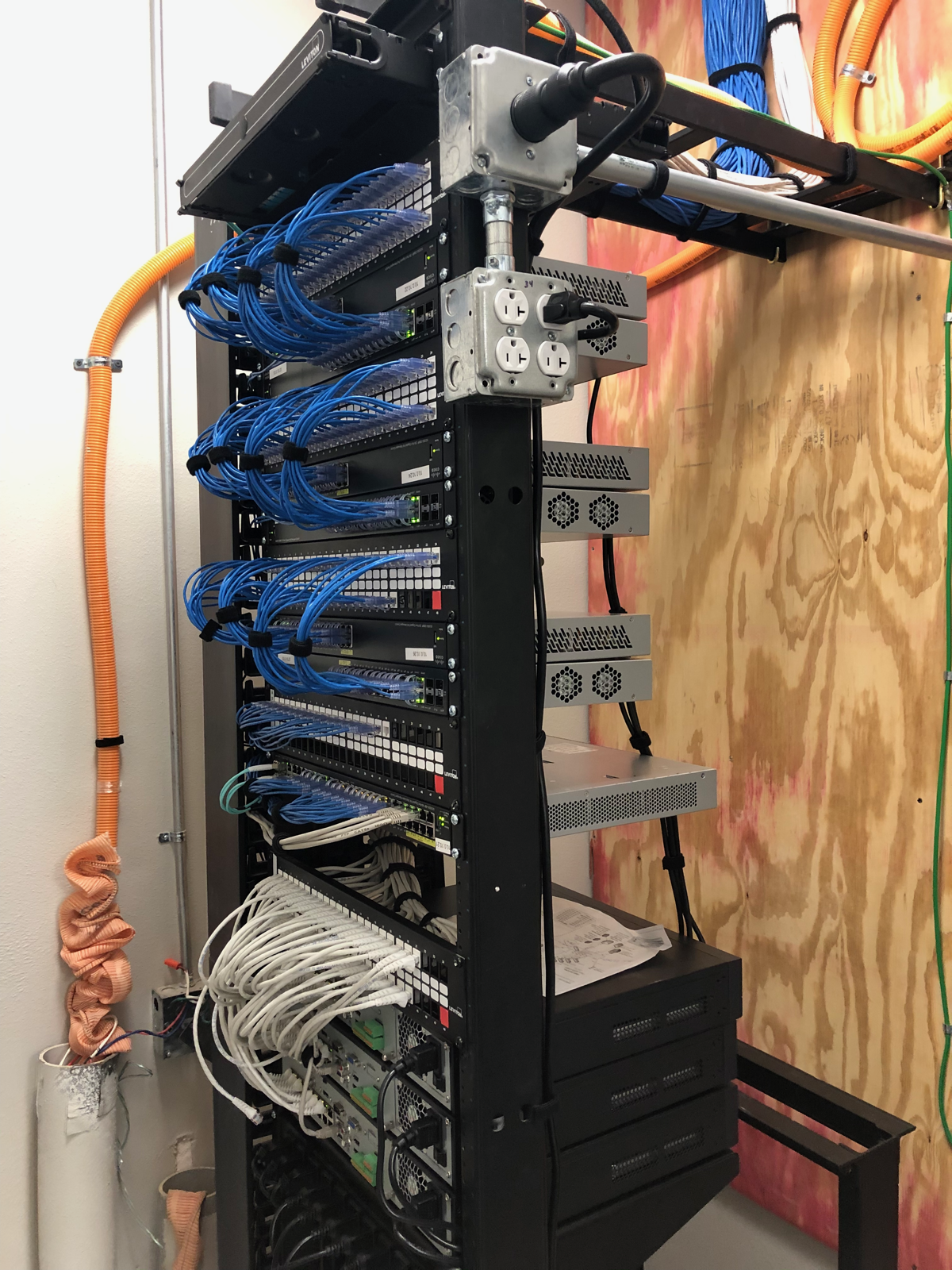

We show up, wire it right, and verify every connection.
Whether you're building new or fixing someone else's spaghetti, our crews punch down every patch panel to spec, then test and certify each run — Cat5e, Cat6, Cat6A, shielded or unshielded, copper or fiber.
Everything gets labeled as we go, so your network stays in a state your own team can actually read. We handle jobs from Pflugerville to Round Rock and across the wider Austin metro.
Questions we hear a lot
What’s the difference between single-mode and multimode fiber, and when should I use them?
Multimode uses a wider glass core and is the cheaper option for shorter runs — think within a building or between nearby buildings, typically up to a few hundred meters depending on the electronics. Single-mode uses a narrower core and a laser source, costs more per port, but carries a signal much farther — miles instead of hundreds of feet — so it's the right call for campus backbones or connecting separate sites. We'll spec whichever fits the distance and budget instead of defaulting to the pricier option.
Can you connect buildings without running fiber, using point-to-point or point-to-multipoint wireless?
Yes. When trenching fiber between buildings is too costly, too slow, or not allowed, we install point-to-point (PtP) wireless bridges — a pair of dish antennas that link two sites over clear line of sight and carry your network as if it were one cable. A well-planned PtP link can deliver gigabit-class throughput across a parking lot, a campus, or several miles, which makes it a practical fiber alternative for warehouses, shops, gate houses, outbuildings, and multi-building campuses. When one location needs to reach several others, a point-to-multipoint (PtMP) network is often the better fit: a single base station with a sector antenna at your main building serves multiple remote buildings, cameras, or gates, each with its own small client radio, at a lower cost than separate PtP links. We start with a site survey to confirm line of sight and pick the right band — 5 GHz, 60 GHz, or licensed microwave — based on distance, interference, and the capacity you need. Then we mount the radios on roof masts or poles, aim and align them, weatherproof every connection, and run shielded Cat6 back to your network rack. Every link is tested and documented before we hand it over.
Do you install shielded (STP) as well as unshielded (UTP) cable?
Yes. Most office drops run unshielded twisted pair, but we install shielded cable in server rooms, near heavy electrical equipment, or anywhere interference is a real risk.
Can you take over cabling another contractor installed?
Regularly. We trace and document what's actually there, re-terminate anything that's failing or mislabeled, and bring the whole closet up to a standard your next IT hire won't dread.
Do you test and certify cable runs after installation?
Every run we install gets tested and certified before we call the job done, with documentation you can hand off to your IT team or auditor.
Talk through your project with the team that will actually install it.